SITE UNDER CONSTRUCTION
〰️
SITE UNDER CONSTRUCTION 〰️
ROLE
Digital Designer
INDUSTRY
Fashion, Home & Furniture
DELIVERABLES
Site Maps, User Flows, Mobile Website Design, Prototype, Micro-Interactions,
Style Guide/Spec Document
DURATION
10 Weeks – Internship
DESIGN PROBLEM
Refine Anthropologie’s mobile website navigation experience
CONTEXT
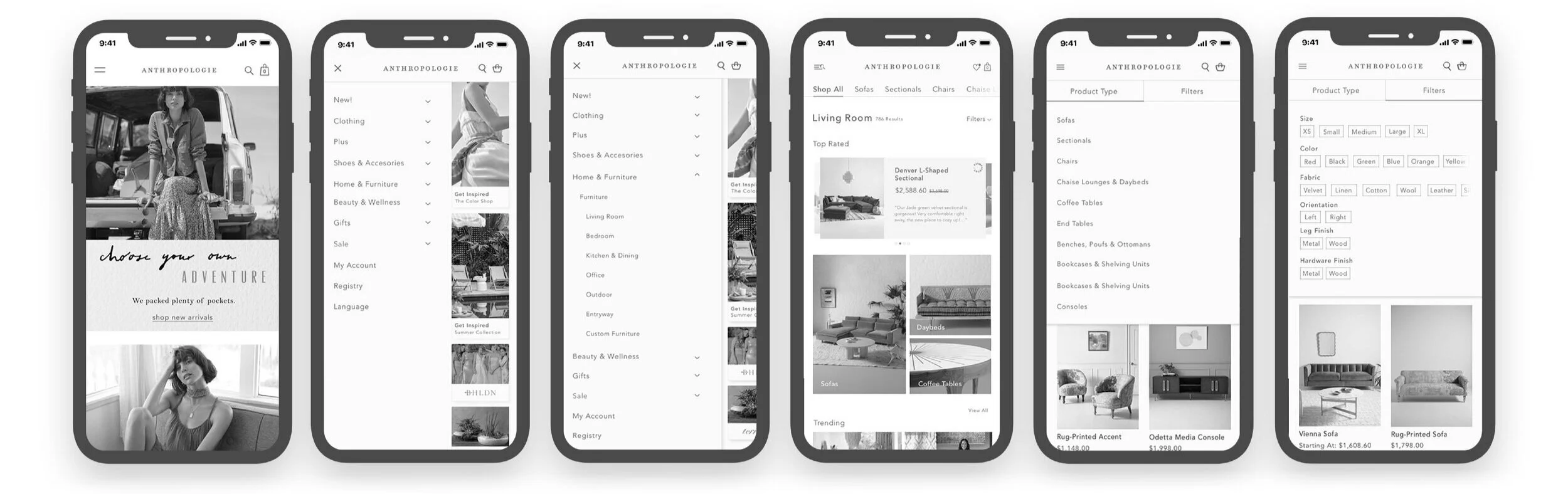
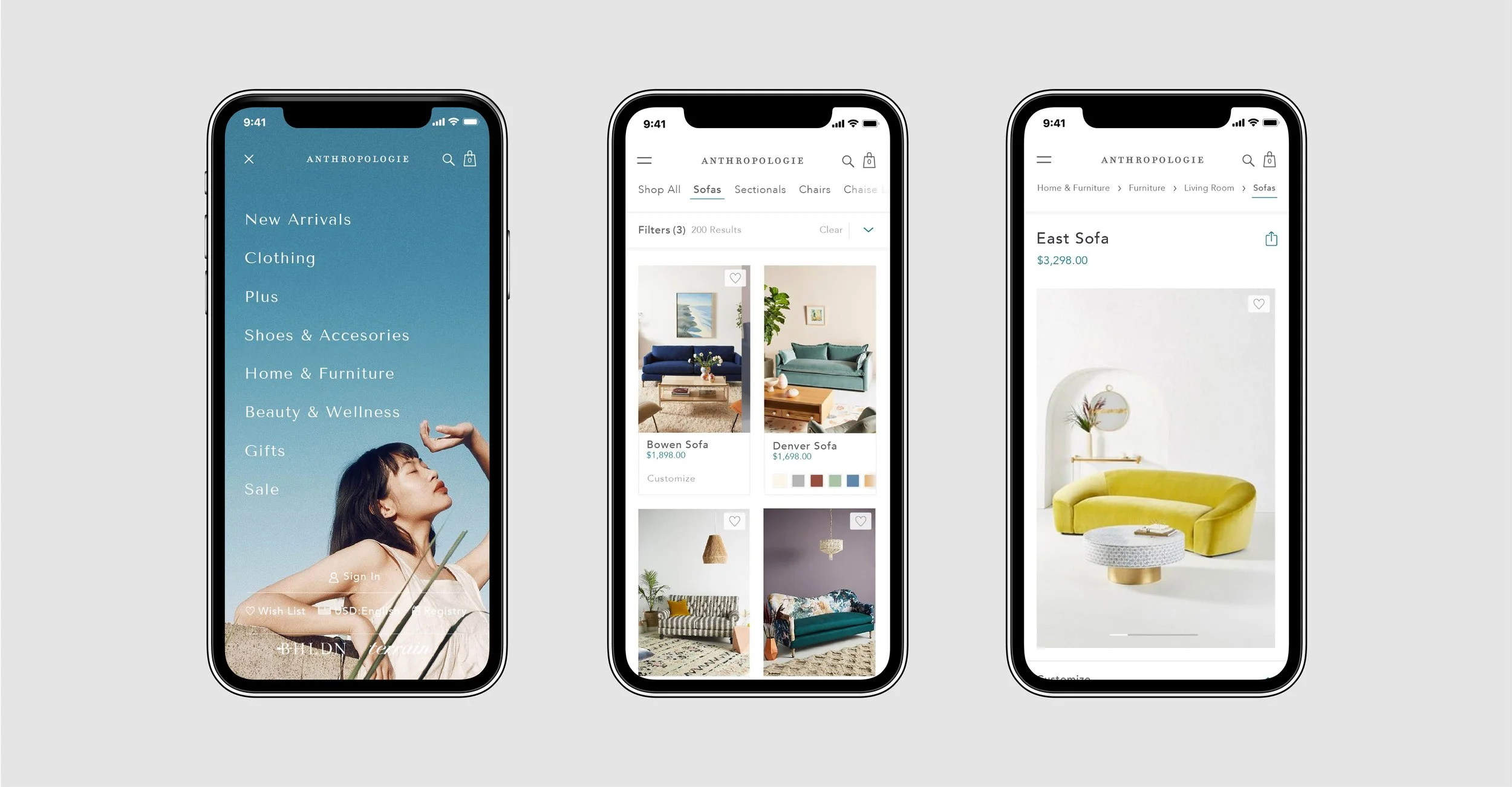
The brief asks to concept, create, refine, and prototype a mobile navigation experience for Anthropologie.com. The solution needs to help the users find the exact product they are looking for. To accomplish this, we focused on the Home & Furniture category due to its complexity and wide range of products.
SOLUTION
We accomplished to optimize the site maps, user flows, and filter system to create a usable and functional website navigation system with low resistance customer experience.
COMPETITOR RESEARCH
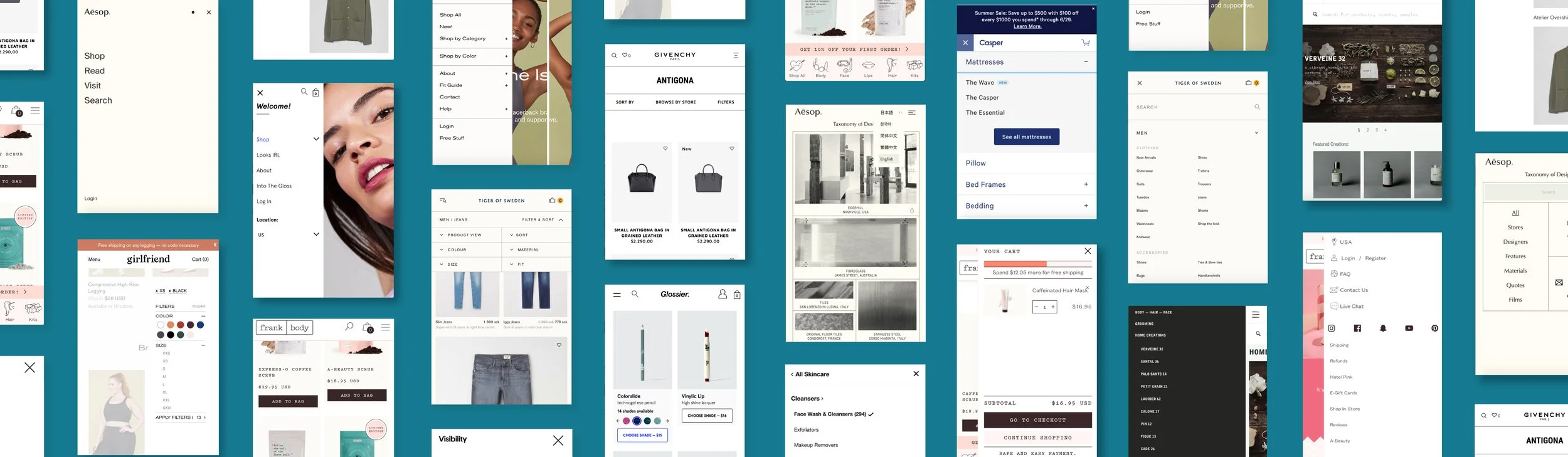
A competitor secondary research was conducted to gather existing data and insights on what trending retail brands have designed and implemented into their mobile website.
FINDINGS
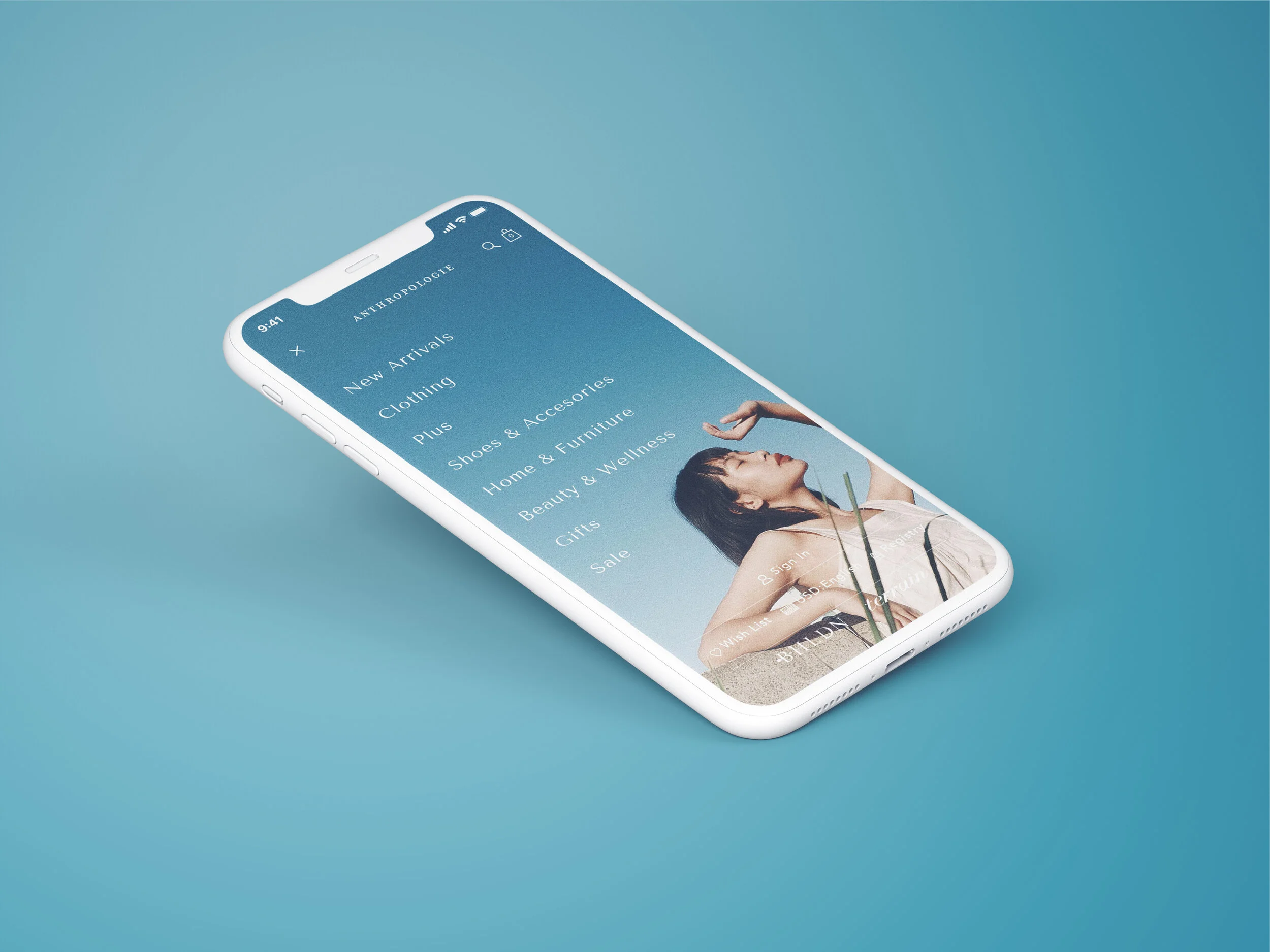
Statement promotional images inside hamburger menu to improve user engagement
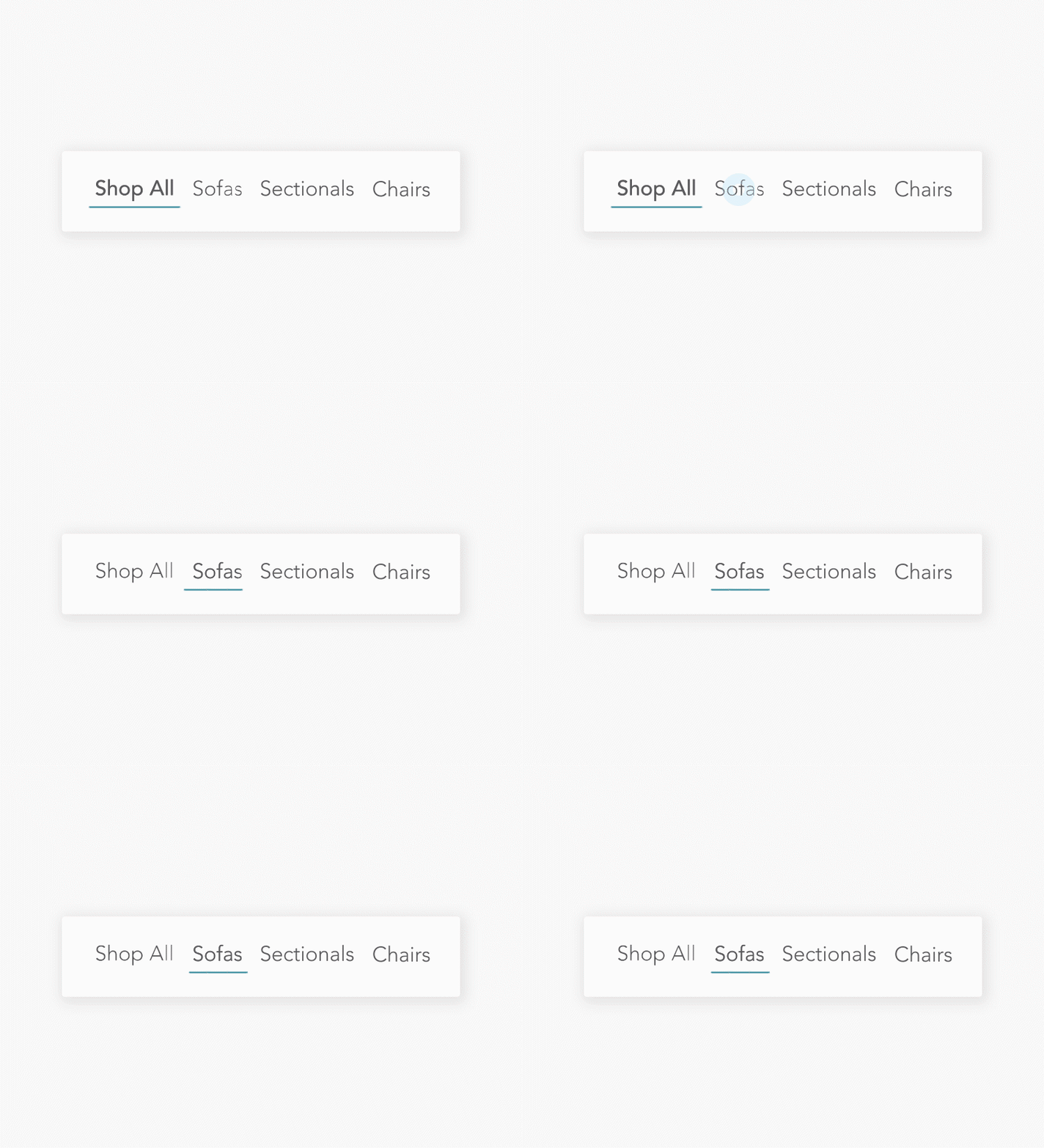
Incorporate a secondary navigation system inside the Product Page
Give importance to utility links inside hamburger menus
Ability to filter down items in a Category Page even when user is far from the top
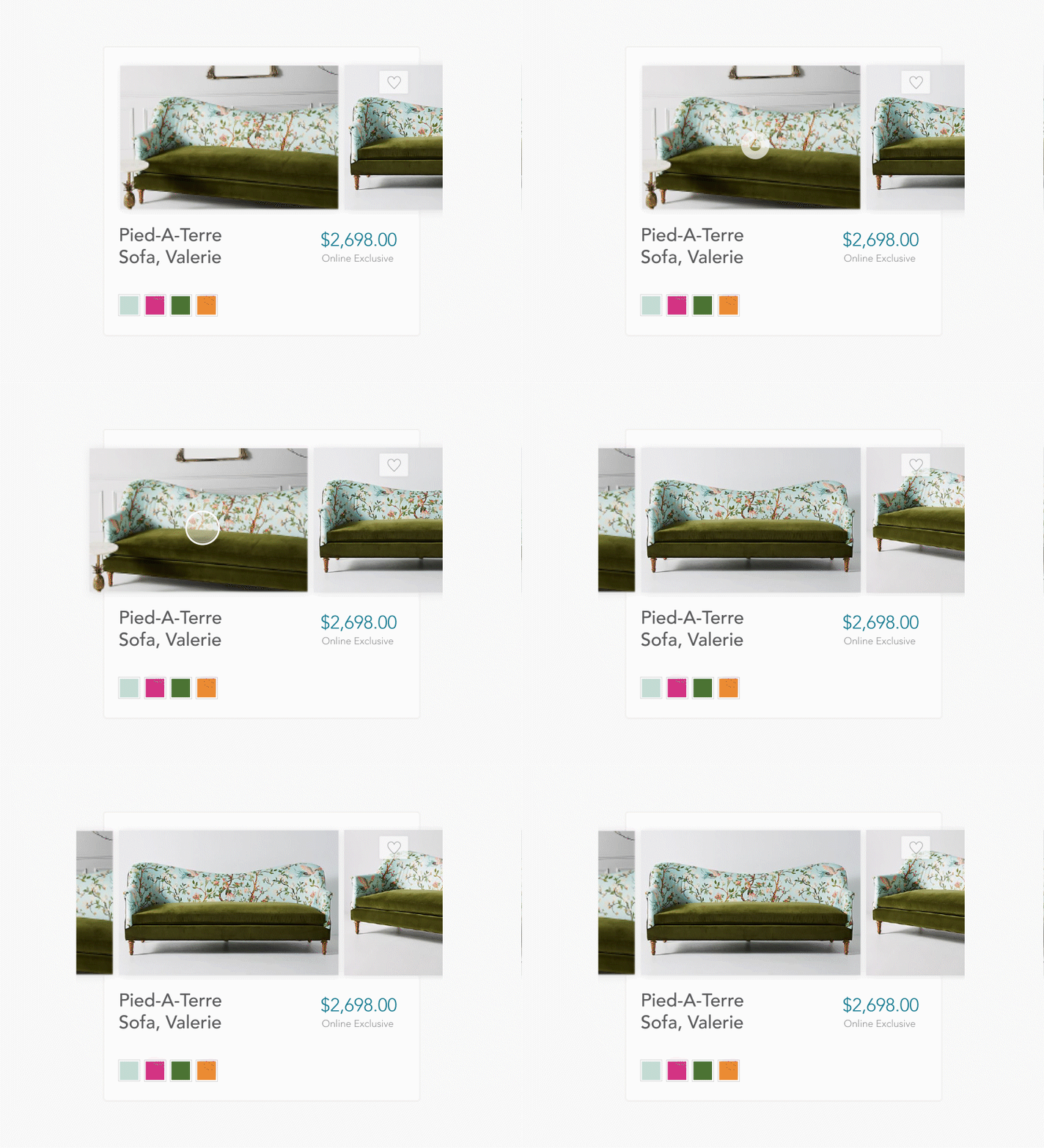
Preview color swatches without being redirected to another page
SITE MAPS
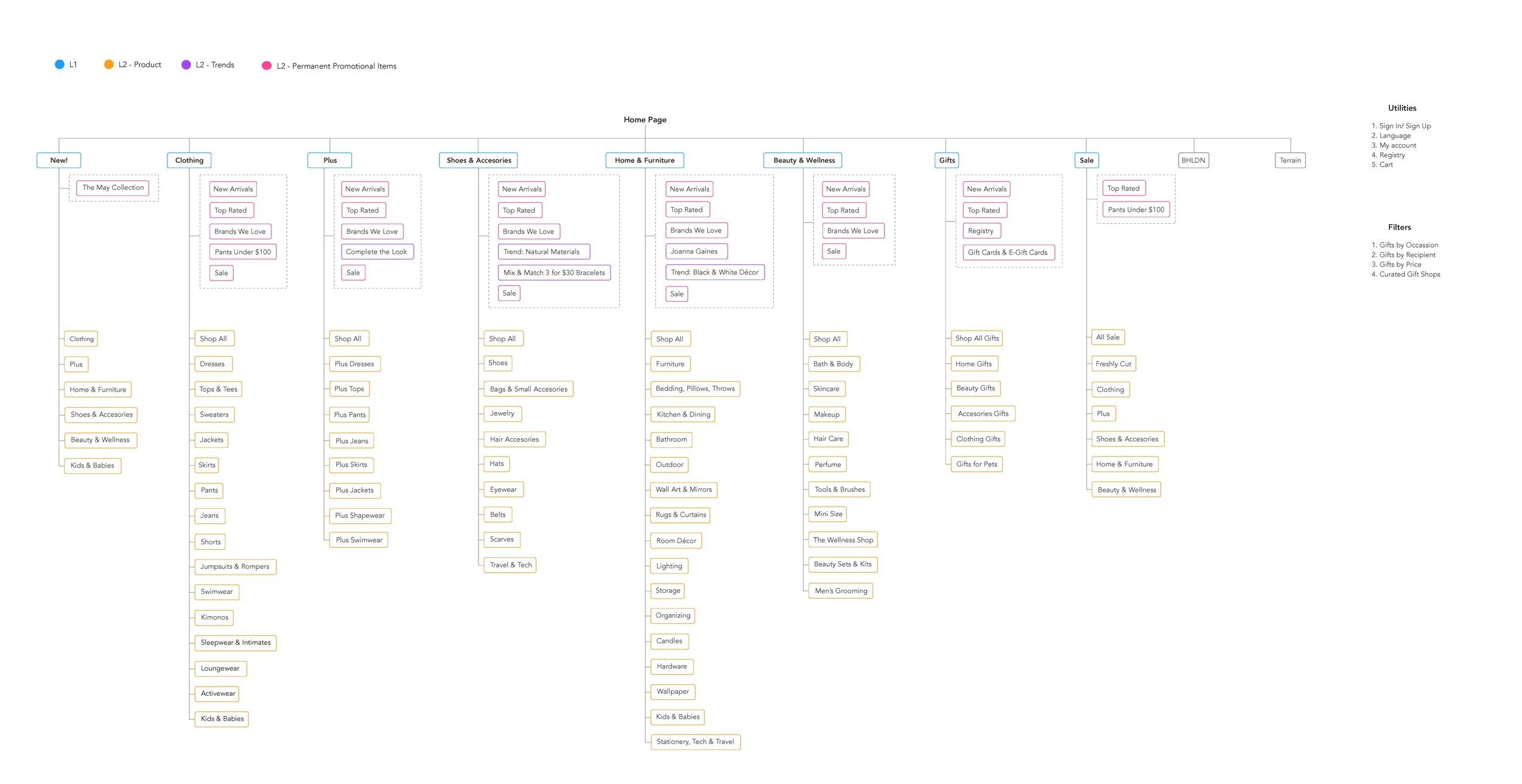
Site Maps
To better understand Anthropologie’s website, I re-visited their current site map and product pages. I focused on adjusting the categories depending on the target audience, target consumer experiences, seasonal offers, and more.
User Flows
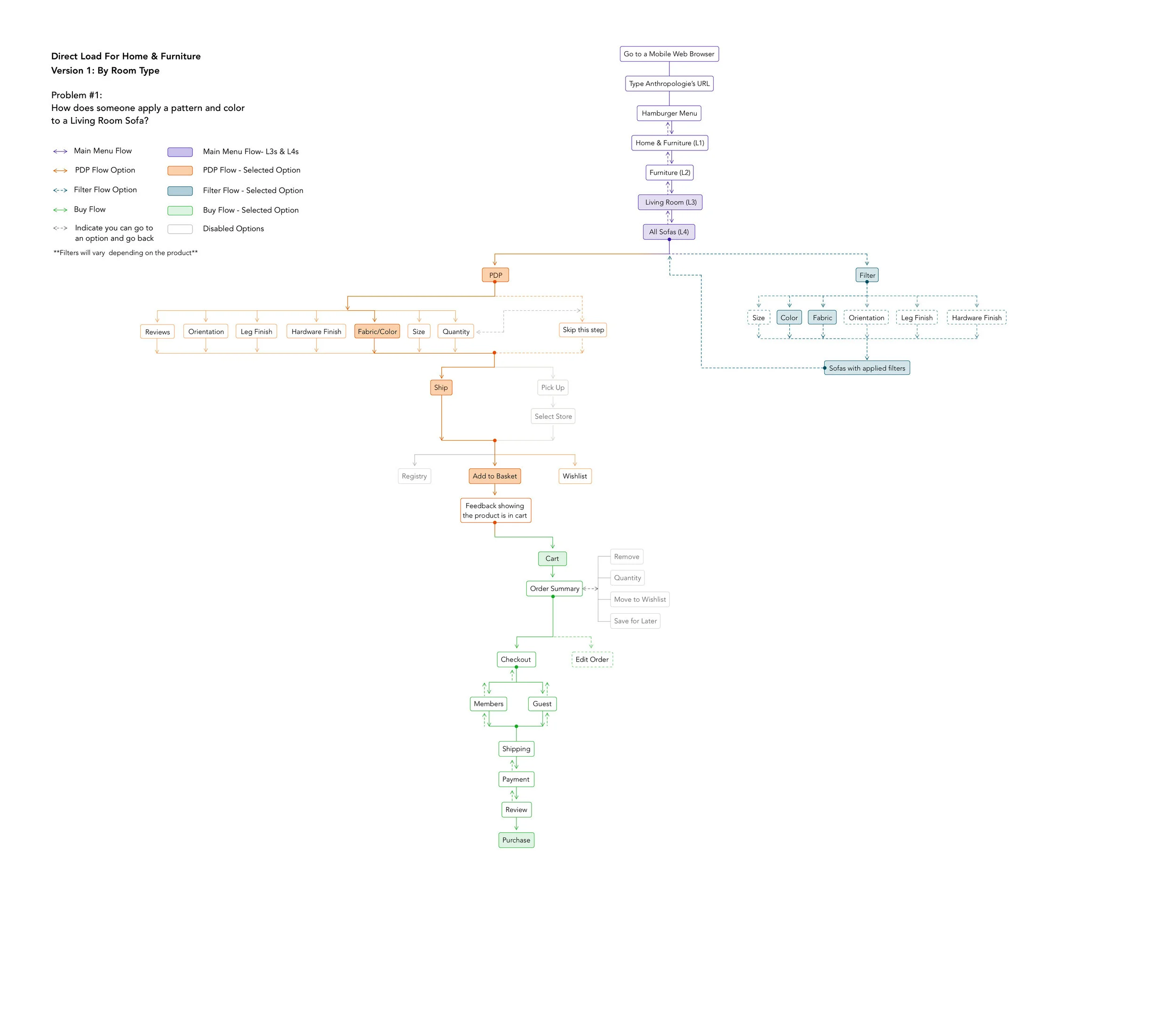
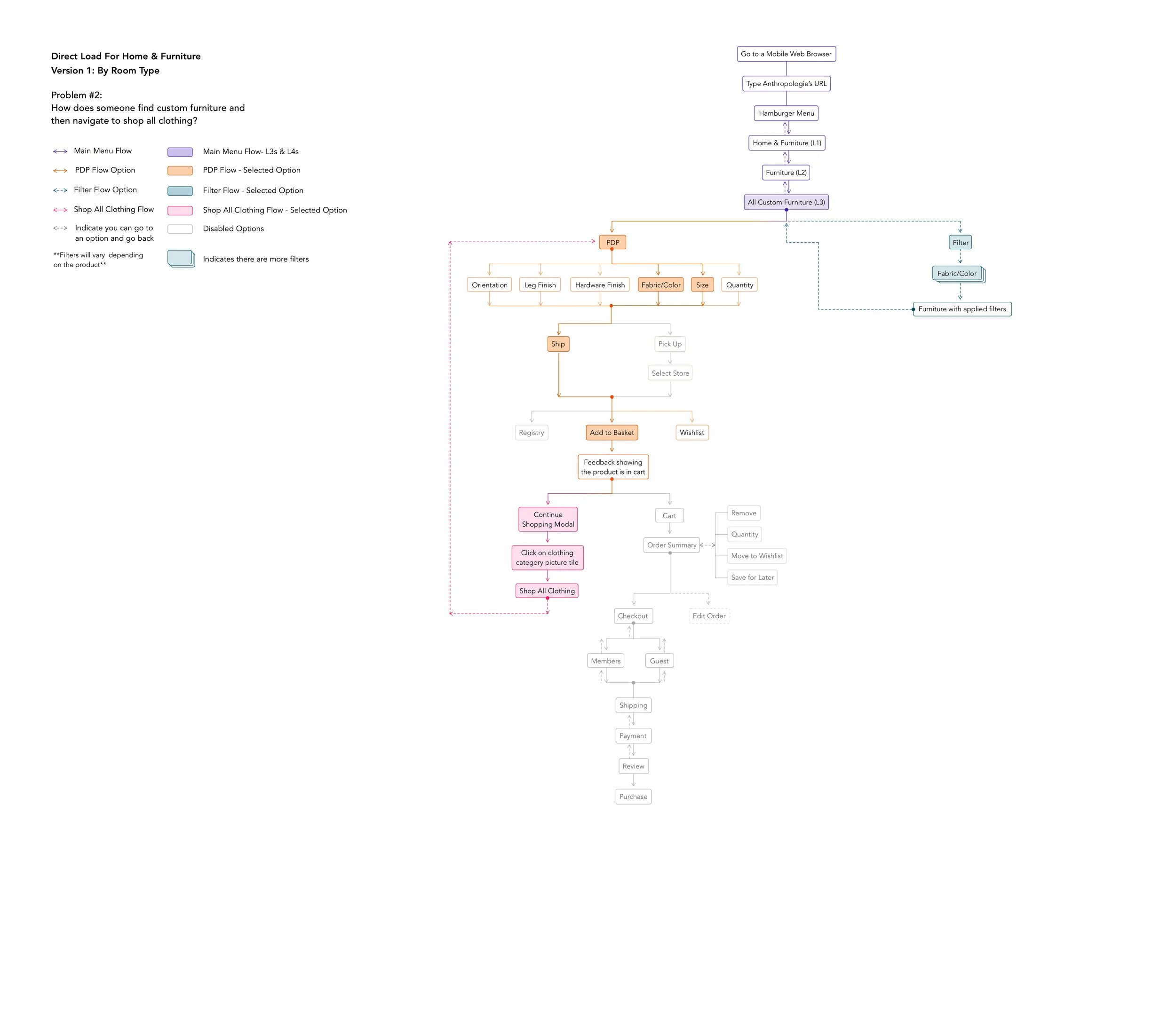
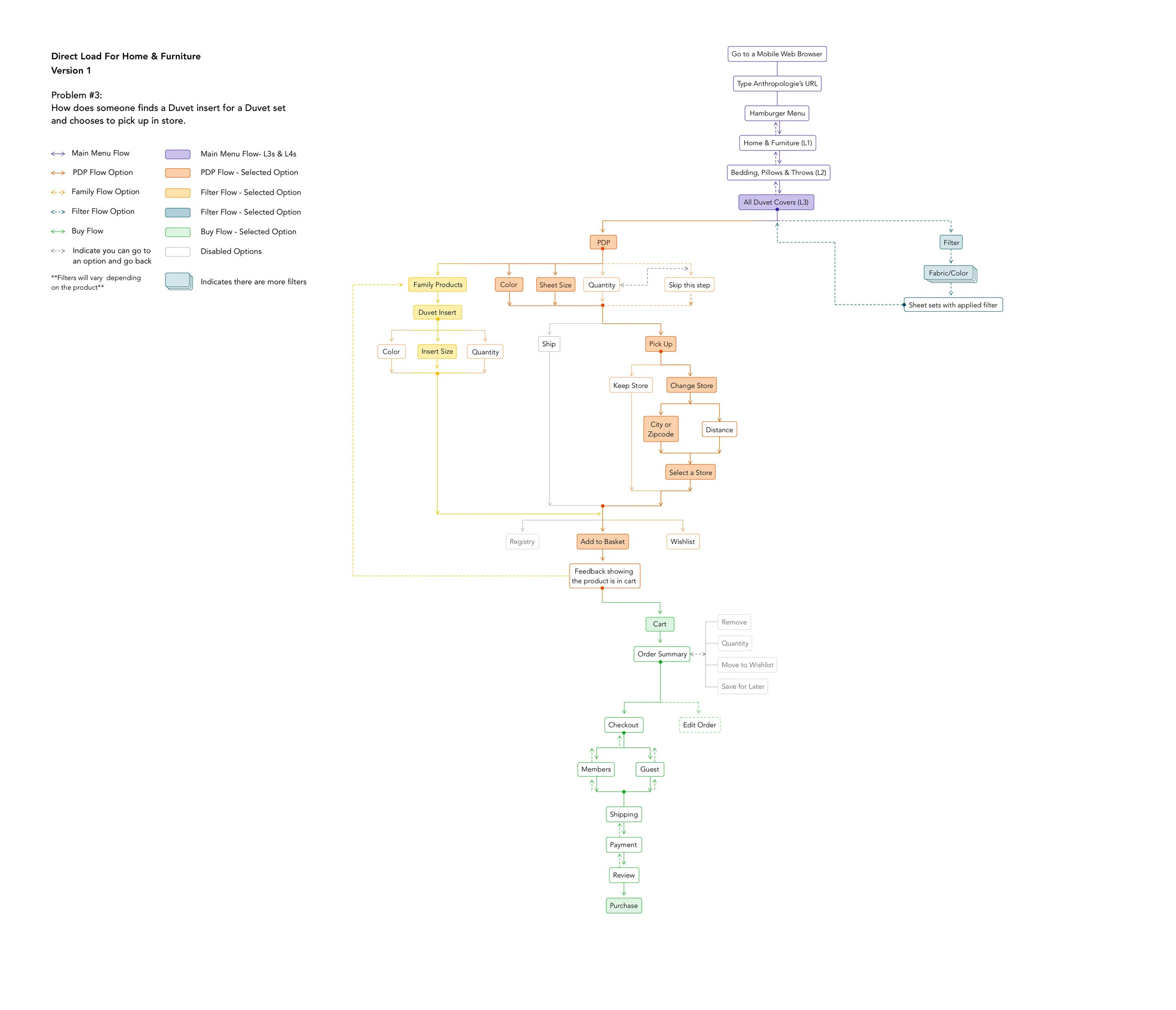
After finalizing the site maps, I designed three different user tasks and flows that solves for intuitive product find-ability and customization, seamless navigation journey from one category to another, adding to cart, and payment experience.
NAVIGATION EXPERIENCE

2. LANDING PAGES

3. CATEGORY PAGE

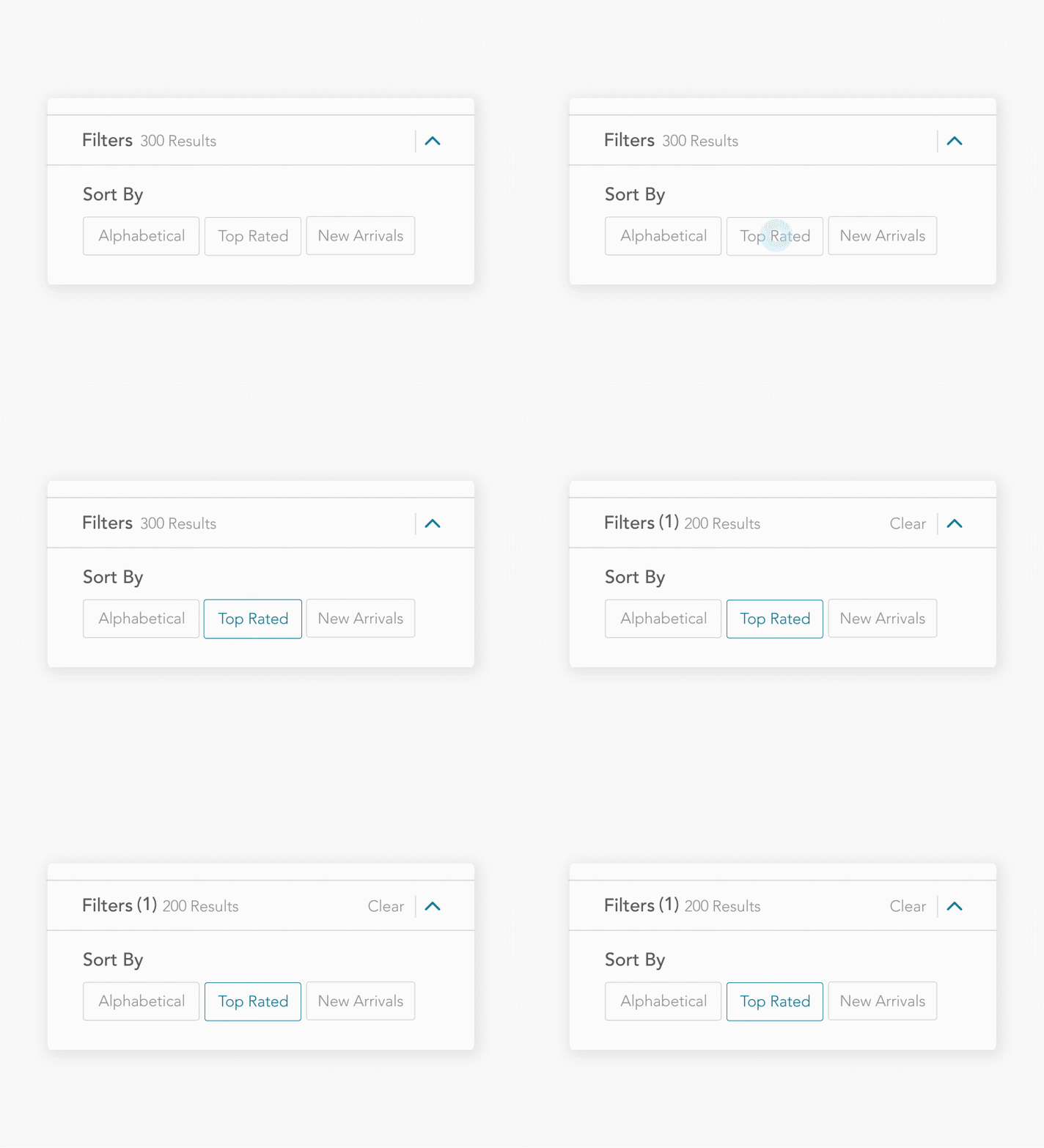
4. FILTER SYSTEM

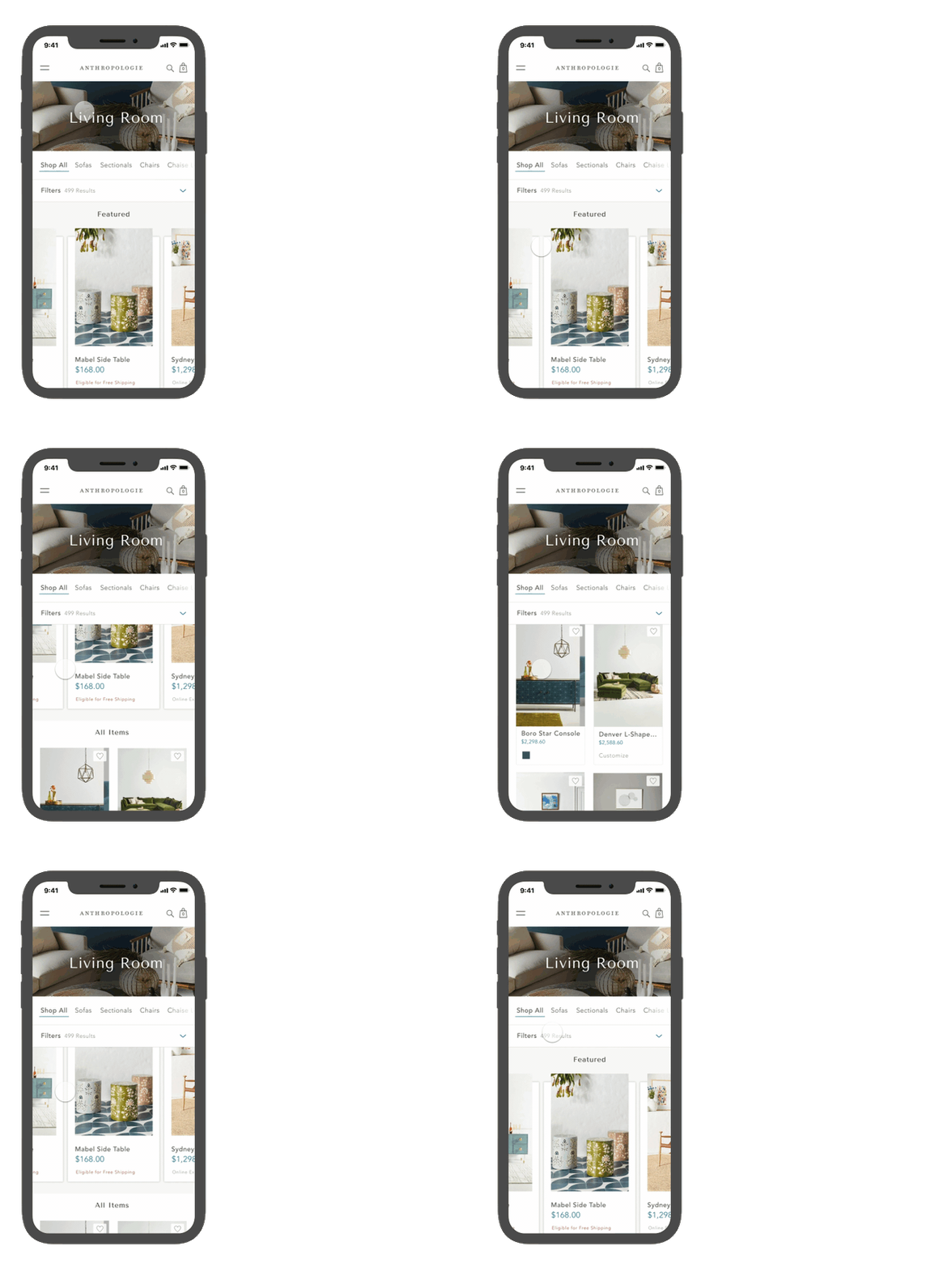
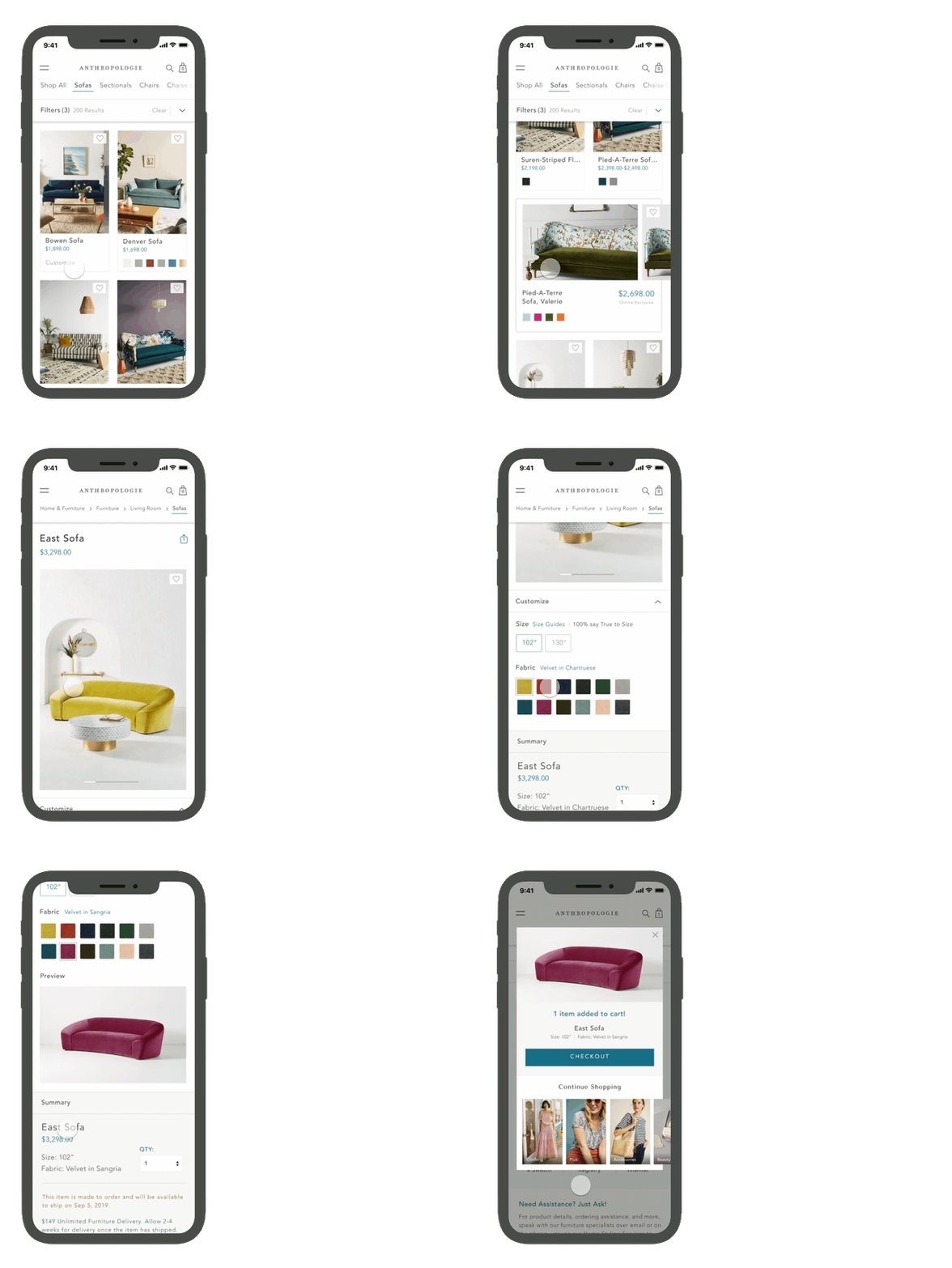
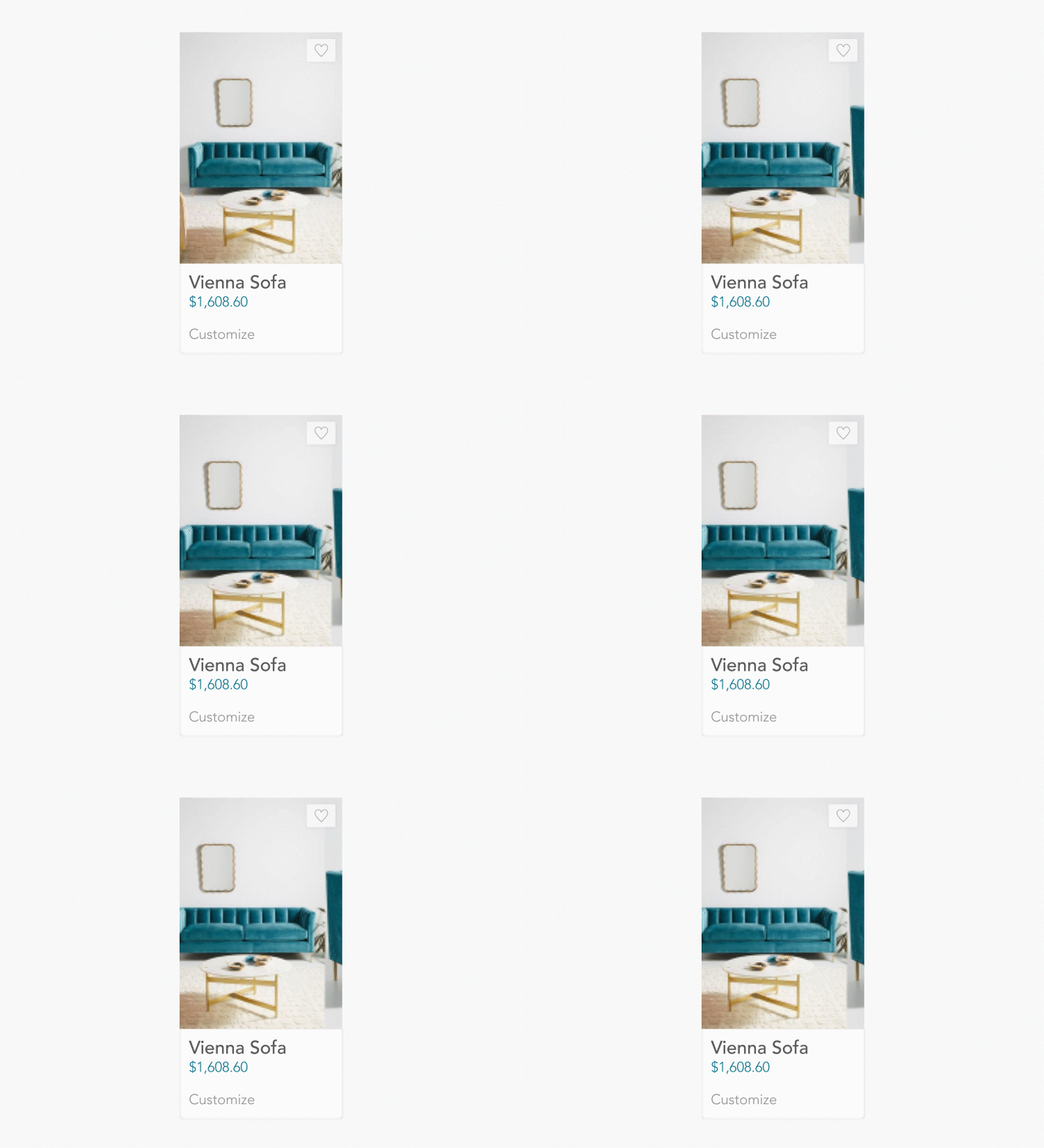
5. MICRO-INTERACTIONS



TAP TO EXPAND THE SITE MAPS AND USER FLOWS ↓
04.
INITIAL WIREFRAMES